ES6 cheatsheet: Modules

Serban Mihai / 20 October 2018
~1 min read
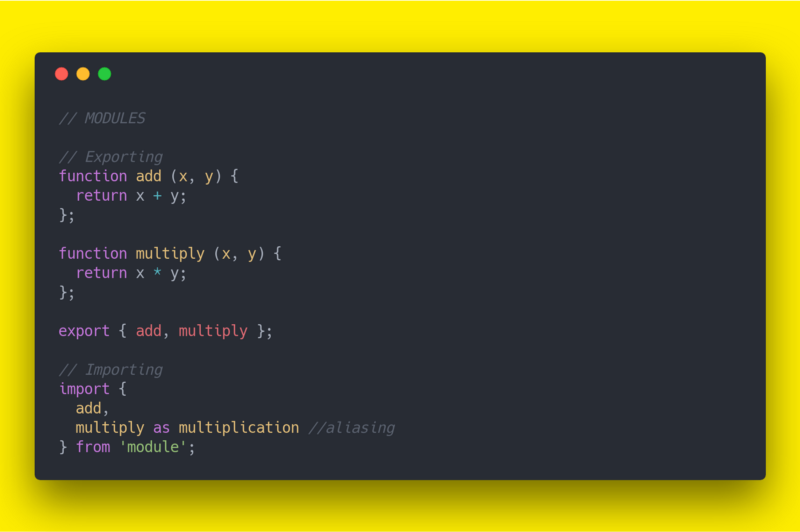
Prior to ES6, we used libraries such as Browserify to create modules on the client-side, and require in Node.js. ES modules provide a separate, standard module system built around import and export; CommonJS and AMD code need a compatible runtime, bundler, or migration layer.
Exporting in CommonJS
module.exports = 1;
module.exports = { foo: 'bar' };
module.exports = ['foo', 'bar'];
module.exports = function bar () {};
Exporting in ES6
Named Exports:
export function multiply (x, y) {
  return x * y;
};
As well as exporting a list of objects:
function add (x, y) {
  return x + y;
};

function multiply (x, y) {
  return x * y;
};

export { add, multiply };
Default export:
In our module, we can have many named exports, but we can also have a default export. It’s because our module could be a large library and with default export we can import then an entire module.
Important to note that there’s only one default export per module.
export default function (x, y) {
  return x * y;
};
This time we don’t have to use curly braces for importing and we have a chance to name imported statement as we wish.
import multiply from 'module';
// === OR ===
import whatever from 'module';
A module can have both named exports and a default export:
// module.js
export function add (x, y) {
  return x + y;
};
export default function (x, y) {
  return x * y;
};

// app.js
import multiply, { add } from 'module';
The default export is just a named export with the special name default.
// module.js
export default function (x, y) {
  return x * y;
};

// app.js
import multiply from 'module';
Importing in ES6
import { add } from 'module';We can even import many statements:
import { add, multiply } from 'module';Imports may also be aliased:
import {
  add as addition,
  multiply as multiplication
} from 'module';
and use wildcard (*) to import all exported statemets:
import * as module from 'module';